Facebook Page vs Profile - What is the difference?
January 14, 2020
Monthly Marketing Coaching Call #8
Okay. Hey guys. Peter Brissette here with our monthly marketing coaching call and I'm combining our two brands on this call. So we have our Review Me Marketing, which is focused on reputation management and Assisted Living Marketing, which really focus on the senior care space. The work we do is really similar and a lot of crossover between the two. So I decided to combine our monthly coaching call between the two of those. What I wanted to talk about today was the difference between your Facebook page and your Facebook profile. What is the difference between those two and how do those two function? There can be quite a bit of confusion about those things. So let me share my screen here and we'll jump into that. So this is call number eight for our monthly marketing training and coaching call.
Facebook page versus profile, what's the difference? So first of all, let's just talk about Facebook policy. A personal profile on Facebook is that it is a person. That is how Facebook has set that up. Some people accidentally create a new personal profile for their business. So they'll use a business email address and create a whole new profile in the name of the business. So that technically is against Facebook policy, because a personal profile is about a person. That's why they have the separate Facebook pages that are used to represent a business. So that is the fundamental difference.
To log into Facebook, you have to have a personal profile to login to Facebook. Where it gets confusing is when someone has a Facebook page, like what's my login information to my Facebook page? Well, the challenge is there is not a login per se to the Facebook page. A Facebook page is given access to personal profiles. So there's administrative rights that can be assigned to multiple personal profiles in order to manage a Facebook page. You don't log in directly to the Facebook page. So let's look at what that looks like. So here I am, I am logged in to Facebook. This is my personal profile page. So you see my personal newsfeed. You see my name here, Peter Brissette. Up here at the top, you see my picture, this is my profile.
If I click here, this takes me to my actual profile page and this is all the information, my posts that I've made, comments that people have made, pictures, friends, all of that. So this is my personal profile. I can edit my profile, I can look at my activity, on and on the things that you can do. You could do a list for you grid view. All of this is related to my personal profile. Now, I also have a business of course. So the business has a separate page that is just a Facebook page. Okay? So let's go to manage pages. I manage a lot of pages, but here's my Digital Marketing Dude page. So this is how you can tell. So you can click here on manage pages. If you're an administrator of a page, it'll show up in this list.
Now this you can see is a little bit different. again, my profile is still up here, so I'm still logged in as me, but you can see this is the page information. You see these options here at the top. That means I'm an administrator of this page. I have access to the ads, there's an inbox, there's an events tab, you can manage jobs, there's notifications, there's insights, publishing tools, page quality. I can edit the page info, I can go into settings, I can get help there as well. So that's access that someone just visiting the page doesn't see, only you see that if you've been made an administrator.
Where do I see who's an administrator? So if you go to settings, you go here to page roles and here you can see who's the page owner and then who are the existing admins on the page. There's different degrees of admin. You can be just an editor, a moderator, an advertiser, different things, but admin is the highest access that you can have on a page. So those are the existing page roles and who can actually access and manage this page, which means they can function and operate just like the page. So what's the difference with... Let me pull this back up again. So when I go to post content, you can see it's showing my picture. What's on your mind, Peter? So when I post this content, it's going to post as me, okay? This is my personal profile. I'm posting on my personal profile, okay, into my newsfeed. So all my friends that I'm friends with may potentially see that.
That's the other difference, I should mention this, the difference between how you connect with it as an outside person. So people become friends with me through my profile, okay? We're actually friend to friend, we're person to person. Again, that goes back to Facebook policies. Facebook wants people connecting together as friends. For your Facebook page, you're not my friend, but you can like my page, you can like my page, you can follow my page. Those are the things that you can do. You can decide do I want to see that stuff first, do I want to see it all on, do I want notifications? All of that. So that's what you have from the Facebook page, people can like and follow your page.
Now, the other difference is that here I can post something, but I can't spend any money on advertising to make sure everybody sees it. It's just a post. Where on my page, when I post something, I can actually turn it into an ad and I can boost the posts, which means I can basically turn it into an advertisement and pay for advertising so that that content can be seen by all the followers of the page. So here's all our different tabs on the page. When I go to write a post, you can see it has our logo there. So when I'm writing this post, even though I'm logged into my personal profile, I'm interacting as the page. So when people see this post, they're going to see that it's from Digital Marketing Dude as the page, not from me personally. So that's a big difference.
One of the things that we teach people to do though is to interact with other entities as your page. So when you want to grow your page followers, you're not sending friend requests, right? That builds your personal profile. If you want to build your page, then what you can do is interact with other pages in a different way. So when I come down here, so I just see that they did this post, okay? This is from Westminster Chamber of Commerce. If I come down here to comments, so you can see there's that icon and there's the icon. So there's a dropdown here. When I click this dropdown, I can actually switch and interact with this content either as my personal profile or as my page. So if you want to increase your followers of your Facebook page, you can actually be very social with other things on there. So here's my Digital Marketing Dude page. I'm going to change this. So now the logo changes. You can see it changes there and it changes there. So now I'm commenting as Digital Marketing Dude as my page with this content.
All right. Member Monday, highlighting three amazing women in our community. I actually do know these ladies. They're all awesome. But I'm commenting as Digital Marketing Dude. So now as people interact with this post and people will engage with it, they're going to say, "Oh, who's Digital Marketing Dude?" Chances are they might click on my link and go over and visit my page, check out my content as well. So that's the way to organically build the followers of the page.
Quick recap. I know this a little bit longer than normal video, but a really important distinction, a personal profile versus a page, Facebook's policy is very clear on this. A personal profile must be a person, not a business. So if you have your business as a profile, create a page. You can invite people to like the page and then ultimately you'll need to get rid of that profile and just use the page and learn some of the tips and techniques. I've got a lot of blog posts on the blog about how to do that. So you can definitely check those out. So if you have any more questions about that, feel free to reach out. You can post questions on the blog where you see this. You can post these if you see it on YouTube on the video there. But that's the training that I wanted to provide here this month for you for our monthly coaching and training call. Hope your January is off to a great start and we will talk to you again next month.
Recent Posts
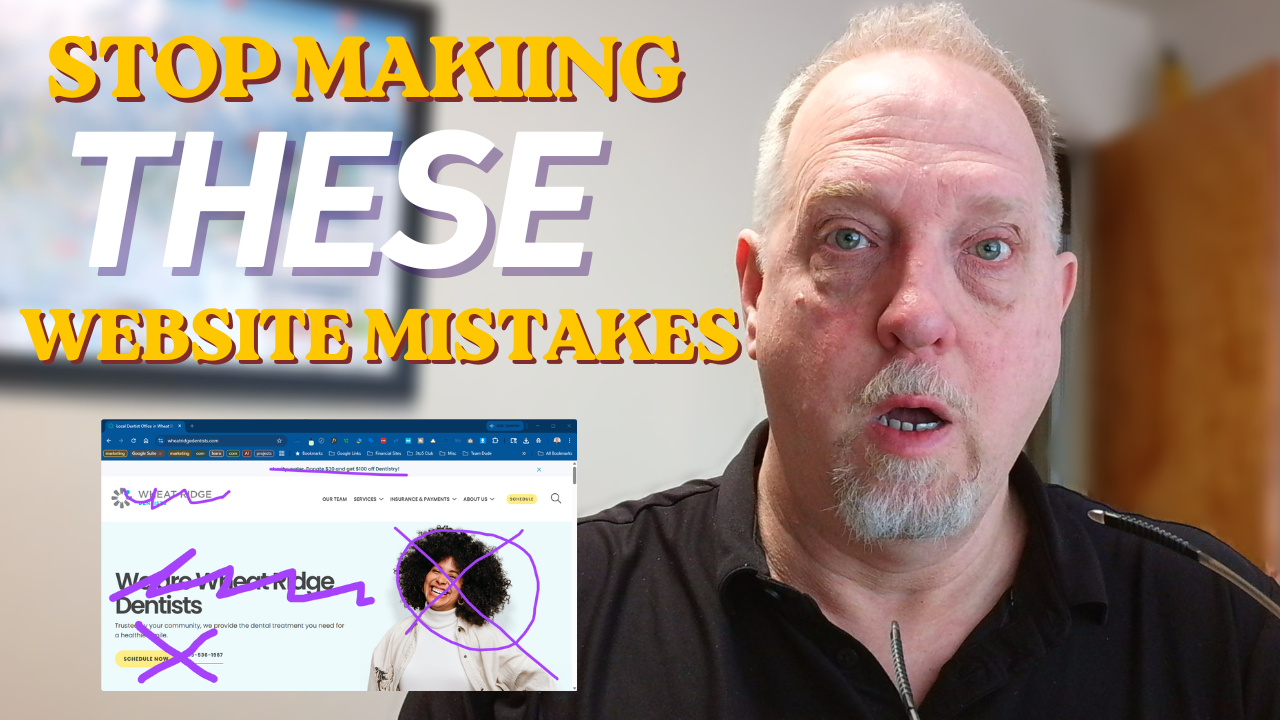
April 8, 2026
Learn the top 3 mistakes healthcare websites make. Improve clarity, trust, & navigation to engage more patients. Contact us today!
March 2, 2026
Avoid common pitfalls with your author website. Optimize your domain & SEO. Get your free website review today!

January 27, 2026
Learn how to stop spam from invading your website. Use contact forms & CAPTCHA for protection. Get started today!
December 11, 2025
Google now allows anonymous reviews to boost customer trust. Get help with your digital marketing today!
May 27, 2025
Facebook Profiles vs. Professional Mode vs. Business Pages: What’s Best for You and Why It Matters
By peter
•
April 8, 2025
If you're trying to figure out how to make your website more visible on Google, you're not alone. One of the most common questions small business owners ask is: “What should I do to actually get found online?”